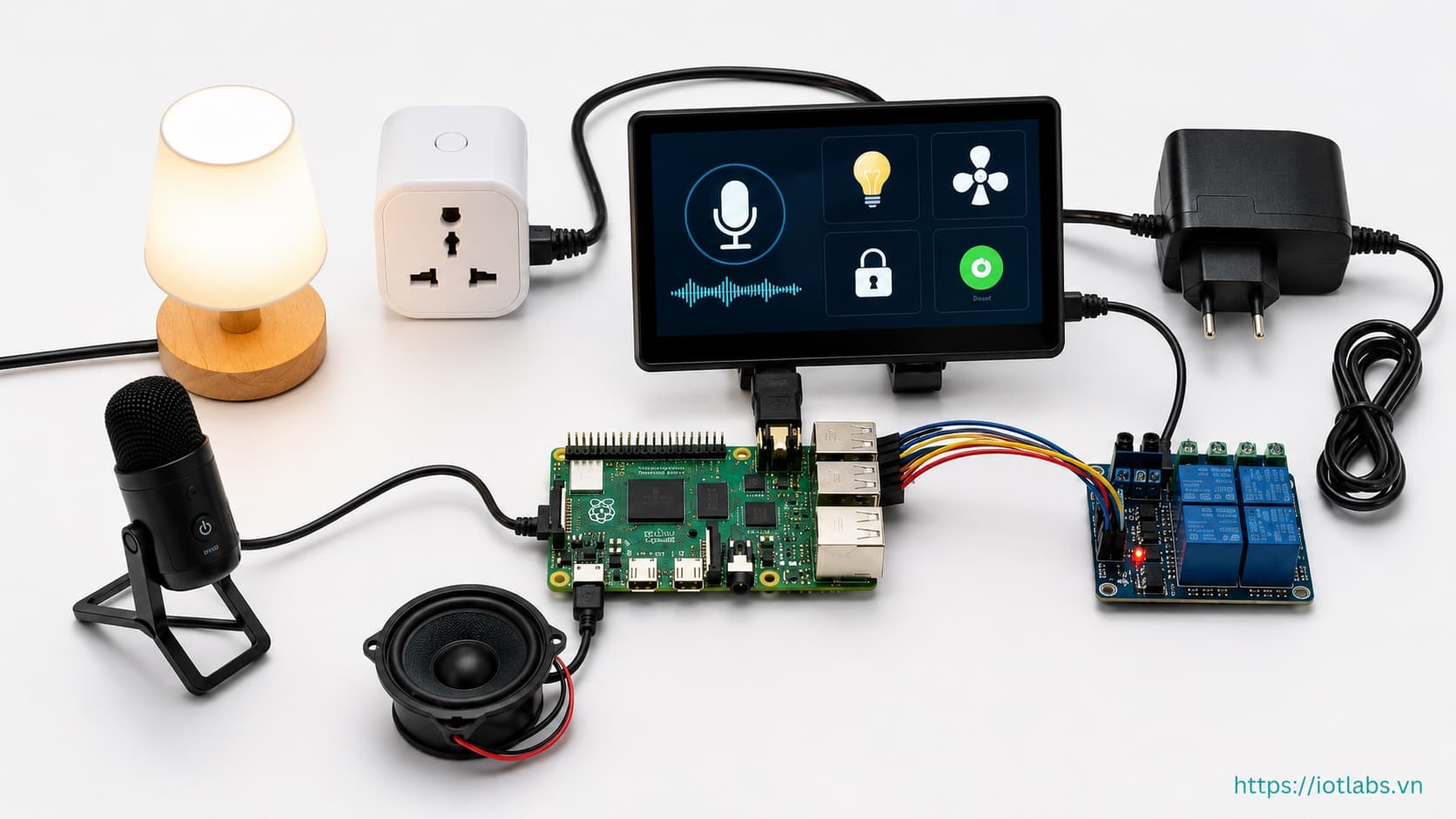
Hướng dẫn chi tiết
Bài 4: Điều khiển relay GPIO và phản hồi giọng nói (TTS)
Kết nối module relay 4 kênh vào GPIO, viết gpio_controller.py và tts.py, test bật/tắt thiết bị thực tế bằng lệnh giọng nói.
Cập nhật 04/03/2026
Sơ đồ kết nối Relay 4 kênh → Raspberry Pi 4
Relay Module    Raspberry Pi 4 (BCM)
─────────────────────────────────────
VCC        →   Pin 2  (5V)
GND        →   Pin 6  (GND)
IN1        →   GPIO17 (Pin 11) — Đèn
IN2        →   GPIO27 (Pin 13) — Quạt
IN3        →   GPIO22 (Pin 15) — Điều hòa
IN4        →   GPIO23 (Pin 16) — Ổ cắm
Module relay 5V thường active-LOW: GPIO LOW → relay kích (thiết bị BẬT).
gpio_controller.py
import RPi.GPIO as GPIO
from config import DEVICE_PINS

ACTIVE_LOW  = True
_initialized = False

def init() -> None:
    global _initialized
    if _initialized: return
    GPIO.setmode(GPIO.BCM); GPIO.setwarnings(False)
    for pin in DEVICE_PINS.values():
        GPIO.setup(pin, GPIO.OUT)
        GPIO.output(pin, GPIO.HIGH if ACTIVE_LOW else GPIO.LOW)
    _initialized = True

def set_device(device: str, state: bool) -> bool:
    pin = DEVICE_PINS.get(device)
    if pin is None: return False
    GPIO.output(pin, (GPIO.LOW if state else GPIO.HIGH) if ACTIVE_LOW
                     else (GPIO.HIGH if state else GPIO.LOW))
    print(f"[GPIO] {'BẬT' if state else 'TẮT'} {device} (GPIO{pin})")
    return True

def get_states() -> dict[str, bool]:
    return {d: (GPIO.input(p)==GPIO.LOW if ACTIVE_LOW else GPIO.input(p)==GPIO.HIGH)
            for d, p in DEVICE_PINS.items()}

def cleanup() -> None:
    GPIO.cleanup()
tts.py
import subprocess
from config import DEVICE_NAMES_VI

def speak(text: str, speed: int = 150) -> None:
    subprocess.run(["espeak-ng","-v","vi","-s",str(speed),text],
                   capture_output=True, timeout=15)

def announce_command_result(device: str, state: bool) -> None:
    name = DEVICE_NAMES_VI.get(device, device)
    speak(f"Đã {'bật' if state else 'tắt'} {name}.")

def announce_error(reason: str = "không hiểu lệnh") -> None:
    speak(f"Xin lỗi, tôi {reason}.")
Test phần cứng
# test_gpio.py
import time, gpio_controller
gpio_controller.init()
for device in ["light","fan","ac","socket"]:
    gpio_controller.set_device(device, True);  time.sleep(1)
    gpio_controller.set_device(device, False); time.sleep(0.5)
print("States:", gpio_controller.get_states())
gpio_controller.cleanup()
python test_gpio.py